
Download 3D Box Maker Professional – Free 3D Packaging Design Tool for Windows
Overview
3D Box Maker Professional is a lightweight Windows‑only utility designed for graphic designers, product managers, and marketers who need to create realistic 3‑dimensional box shots quickly and without a steep learning curve. First released in the early 2000s and updated to version 1.1 on 24 November 2005, the program still holds relevance for anyone looking to generate virtual packaging mock‑ups for software products, consumer goods, or promotional material. The trial version runs on Windows 98 and earlier releases, making it a nostalgic yet functional option for legacy systems that cannot support modern, resource‑intensive 3D suites.
The application belongs to the “Design & Photography” category with a sub‑category of “3D Design & Modelling.” Although it is not a full‑blown CAD package, its focused feature set—box‑shot creation, simple texture mapping, and quick export options—makes it a handy addition to a designer’s toolkit. With over 11 000 downloads since its catalog entry in 2005, the software enjoys a modest but steady user base in regions such as India, the Russian Federation, and the United Kingdom. Its small footprint (well under 10 MB) ensures that it installs quickly and runs smoothly even on older hardware, which is a major plus for studios that maintain legacy workstations.
Core Features
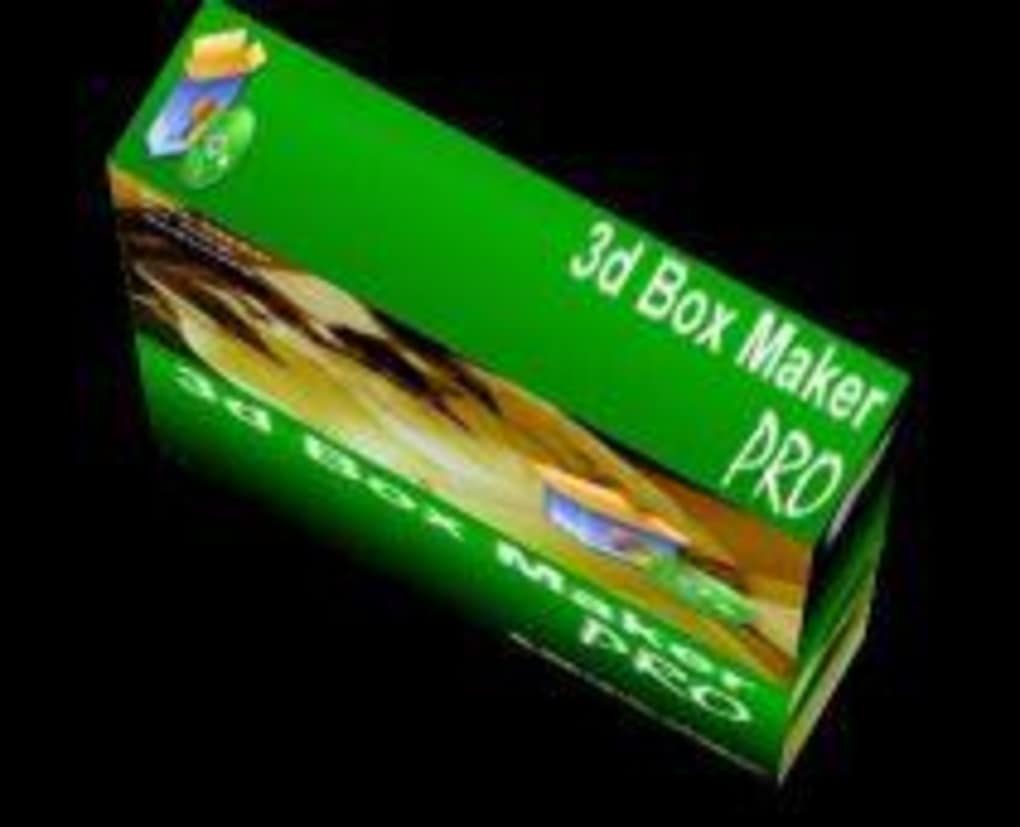
- Box‑Shot Generation: Create photorealistic 3D renderings of rectangular, square, and custom‑shaped boxes with a single click.
- Texture & Image Mapping: Apply front, back, side, and top graphics directly from PNG, JPG, or BMP files. The program automatically scales images to fit the selected box dimensions.
- Pre‑Set Templates: Choose from a library of common packaging sizes (e.g., DVD cases, software boxes, product cartons) to speed up the design process.
- Lighting Controls: Simple three‑point lighting presets let you adjust shadows and highlights for a more realistic look without needing a separate rendering engine.
- Export Options: Save the final box shot as a high‑resolution bitmap, JPEG, or PNG for immediate inclusion in marketing materials or presentations.
- Lightweight Architecture: The executable occupies less than 8 MB of disk space and requires minimal RAM, making it ideal for older PCs.
- Trial Mode with Full Feature Access: The free trial provides unrestricted access to all features for evaluation, with a simple registration prompt for the full version.
Beyond the listed capabilities, 3D Box Maker Professional integrates a basic measurement tool that displays exact dimensions of the box and its flaps, ensuring that printed artwork aligns perfectly with physical packaging specifications. While the UI may feel dated compared to modern 3D tools, the workflow remains intuitive: import your artwork, select a template, tweak lighting, and export. This streamlined process reduces the time needed to produce a professional‑looking mock‑up from hours to minutes, especially for teams that do not have in‑house 3D artists.
Installation, Usage Guide & Compatibility
Installing 3D Box Maker Professional is straightforward, even for users unfamiliar with legacy Windows software. Follow these steps to get the program up and running:
- Download the installer (a small .exe file) from the official distribution page.
- Right‑click the file and select “Run as administrator” to ensure the installer can write to the Program Files directory.
- Accept the End‑User License Agreement and choose the default installation folder (C:\Program Files\3DBoxMaker).
- Complete the wizard; the installer will automatically create a desktop shortcut and register the application in the Windows Start menu.
- Launch the program and, if prompted, enter the trial registration code provided in the download email.
Once installed, the workflow can be broken down into three main phases: preparation, creation, and export.
Preparation
Gather the 2‑D artwork you wish to apply to the box. Ensure that each side (front, back, left, right, top, bottom) is saved as a separate image file with a resolution of at least 300 dpi for print‑quality results. The program accepts common raster formats such as PNG, JPG, and BMP. If you need to create a custom box shape, use the “Custom Dimensions” dialog to input width, height, and depth values.
Creation
Open 3D Box Maker Professional and select a template that matches your product’s packaging type. Drag and drop your image files onto the corresponding faces of the virtual box. Use the built‑in “Fit to Face” button to automatically scale the artwork. Adjust lighting by selecting one of the three preset lighting schemes (Soft, Hard, or Studio) or fine‑tune individual light sources using the sliders.
Export
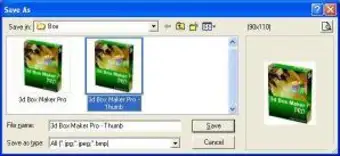
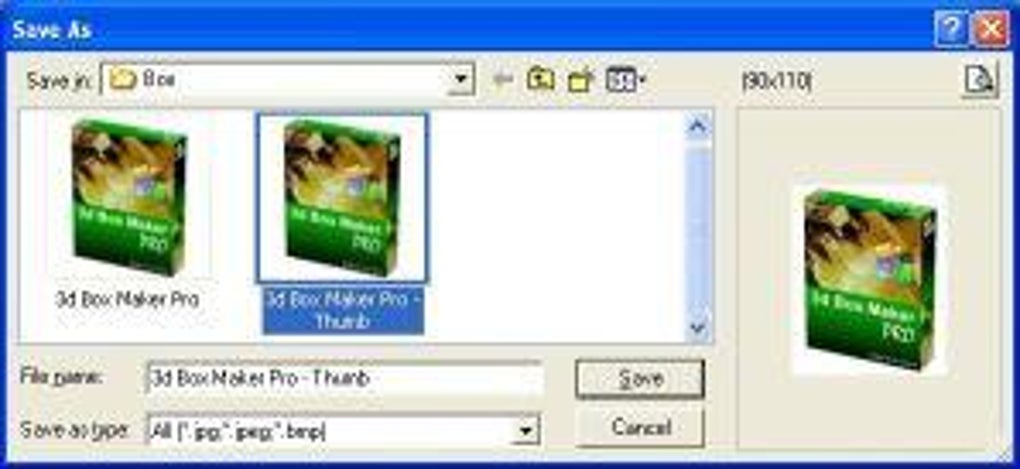
When you are satisfied with the visual result, click “Export.” Choose the desired file format (PNG is recommended for lossless quality) and set the export resolution. The program will render the box shot and save the file to your chosen directory. You can now insert the image into product catalogs, e‑commerce listings, or client presentations.
Compatibility: 3D Box Maker Professional is officially supported on Windows 98, Windows ME, Windows 2000, and Windows XP. Because the executable is built with 32‑bit libraries, it also runs on later 32‑bit and 64‑bit versions of Windows (including Windows 7, 8, and 10) in compatibility mode. The software does not have native support for macOS, Linux, Android, or iOS, but it can be run on a Windows virtual machine if needed.
Given its modest system requirements—approximately 64 MB of RAM and a basic graphics adapter—most legacy machines can handle the program without performance issues. However, for best results on modern hardware, set the compatibility mode to “Windows XP (Service Pack 3)” and disable any high‑DPI scaling to avoid blurry UI elements.
Pros & Cons
- Pros
- Extremely lightweight; ideal for older PCs.
- Simple, drag‑and‑drop workflow reduces learning curve.
- Free trial provides full feature access.
- Export options include high‑resolution PNG for print.
- Supports custom box dimensions for unique packaging.
- Cons
- Interface looks dated compared to modern 3D tools.
- No native macOS, Linux, or mobile support.
- Limited lighting controls; no advanced rendering engine.
- Trial version may display occasional registration reminders.
- No built‑in animation or interactive 3D viewer.
Frequently Asked Questions (FAQ) & Conclusion
Is 3D Box Maker Professional really free to use?
The program offers a fully functional trial version that can be downloaded and used without charge. The trial provides unrestricted access to all features, though it may display occasional prompts encouraging you to purchase the full license.
Can I import vector files (e.g., AI or SVG) for box artwork?
3D Box Maker Professional only accepts raster formats (PNG, JPG, BMP). To use vector artwork, export it to a high‑resolution PNG or JPG before importing.
What is the maximum export resolution?
The export dialog allows you to set any resolution supported by your system’s graphics driver. Practically, users report successful exports up to 5000 × 5000 pixels without slowdown.
Will the software run on Windows 10 64‑bit?
Yes. Although the official support list stops at Windows XP, the 32‑bit executable runs in Windows 10 compatibility mode. No additional patches are required.
Is there any way to batch‑process multiple box designs?
Batch processing is not built into the application. Users needing high‑volume automation typically combine 3D Box Maker Professional with a simple Windows batch script that opens the program with predefined command‑line arguments.
Overall, 3D Box Maker Professional remains a solid, niche‑focused solution for designers who need a quick and free way to generate realistic packaging mock‑ups without investing in expensive 3D suites. Its minimal system requirements and straightforward workflow make it especially valuable for small studios, independent developers, or anyone maintaining older Windows workstations. While the UI may feel nostalgic and the feature set is intentionally limited, the core purpose—turning flat artwork into a three‑dimensional box shot—is executed reliably.
If you’re looking for a hassle‑free way to visualise your product packaging before it goes to print, download the trial today, experiment with the templates, and decide whether the simplicity outweighs the lack of advanced rendering features. For businesses that require more sophisticated lighting, animation, or cross‑platform support, you may eventually outgrow 3D Box Maker Professional and consider modern alternatives. However, as a free entry point, it offers excellent value.
Ready to create your first 3D box shot? Download 3D Box Maker Professional now and start turning flat designs into eye‑catching 3D visuals in minutes.







